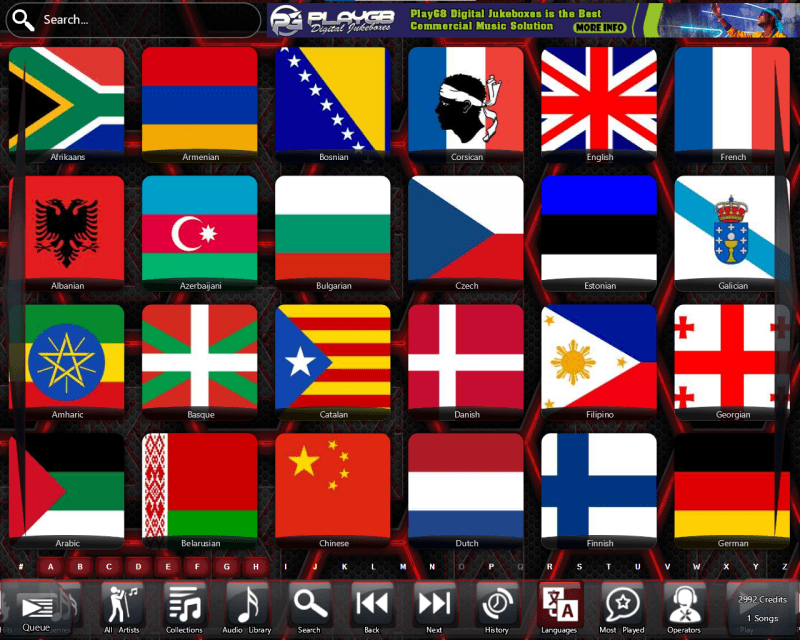
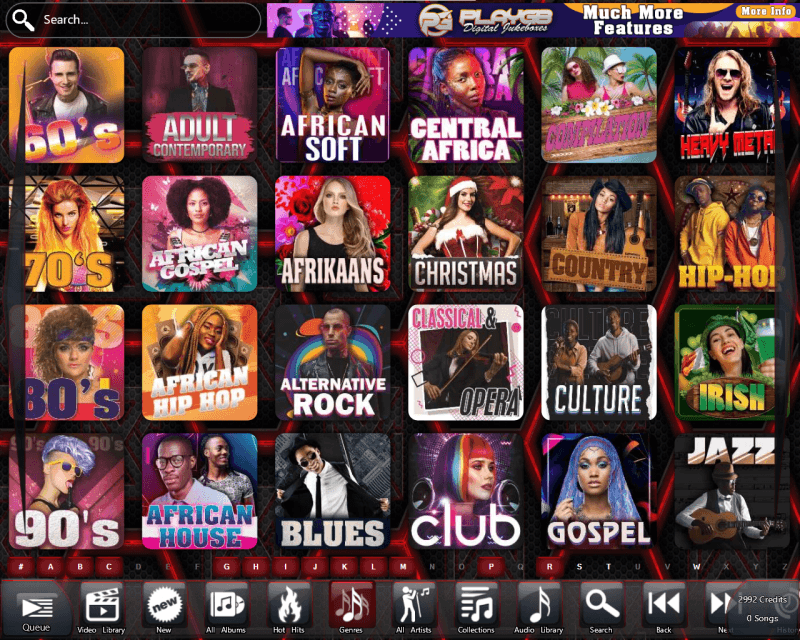
You, the Commercial Coin-Operator are in control.
You are in control of nearly everything on this system.
This Jukebox was designed with the Operator in mind. You can customize the Jukebox to your needs. You can create and upload your own advertisements generating extra income.
This was designed as a "Build it yourself" (DIY) system. This means you can build your own Jukeboxes using your favourite hardware and cabinets. *Subject to prior one day training course from Coinplay.
Great care was taken in designing the Coinplay system to assure system stability to prevent system crashes and overheating.
CPU usage normally runs between 0% and 30%. We are so confident about the stability of our Jukebox system that we've added a CPU usages and systems temperature monitoring utility for you to check this regularly while the Jukebox is running.
We all have problems with some site owners using their own music systems. Coinplay has a random play functions which changes the Jukebox into a radio playing songs from the Jukebox at a lower volume as background music and can be immediately stopped when a track is added by a customer.
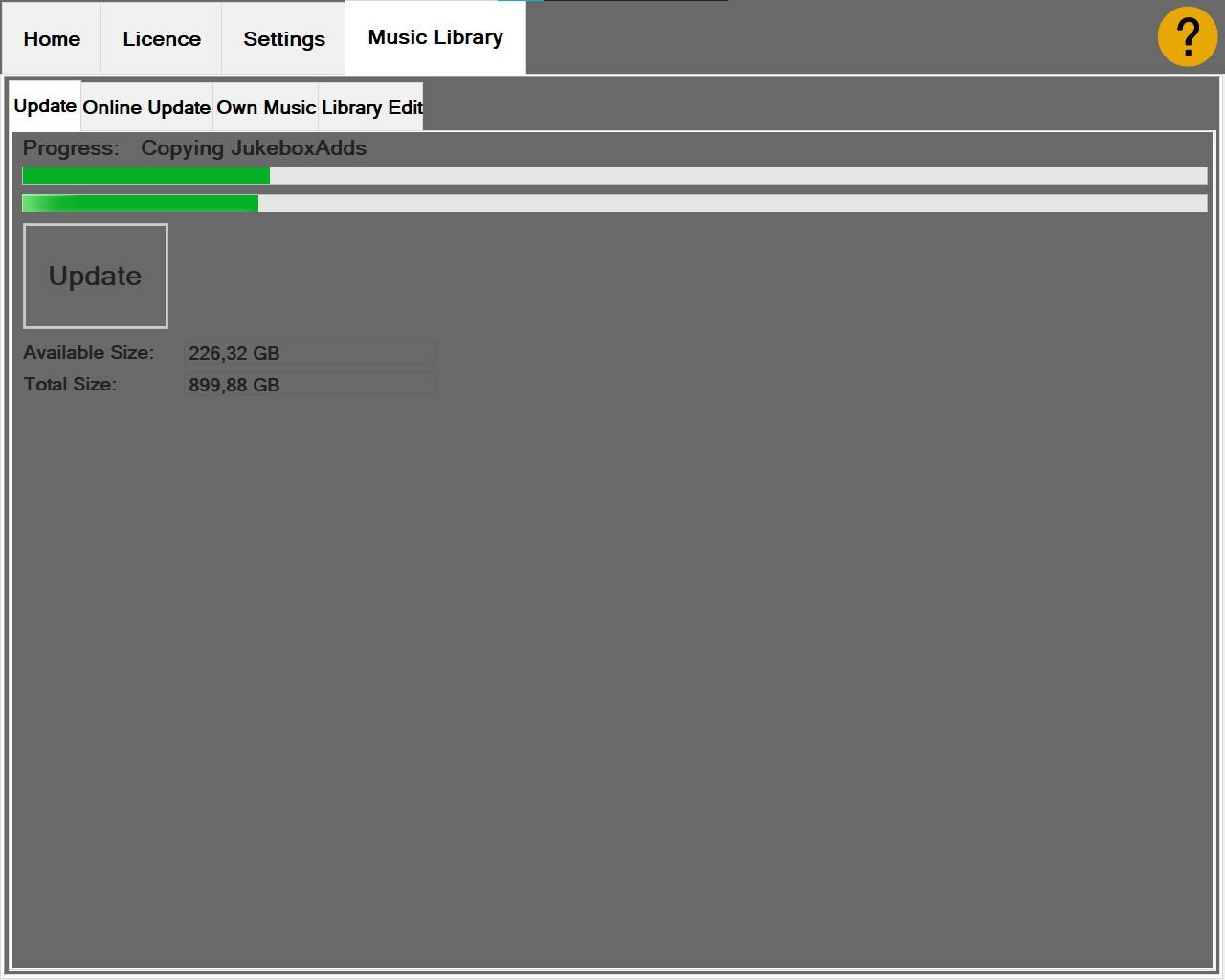
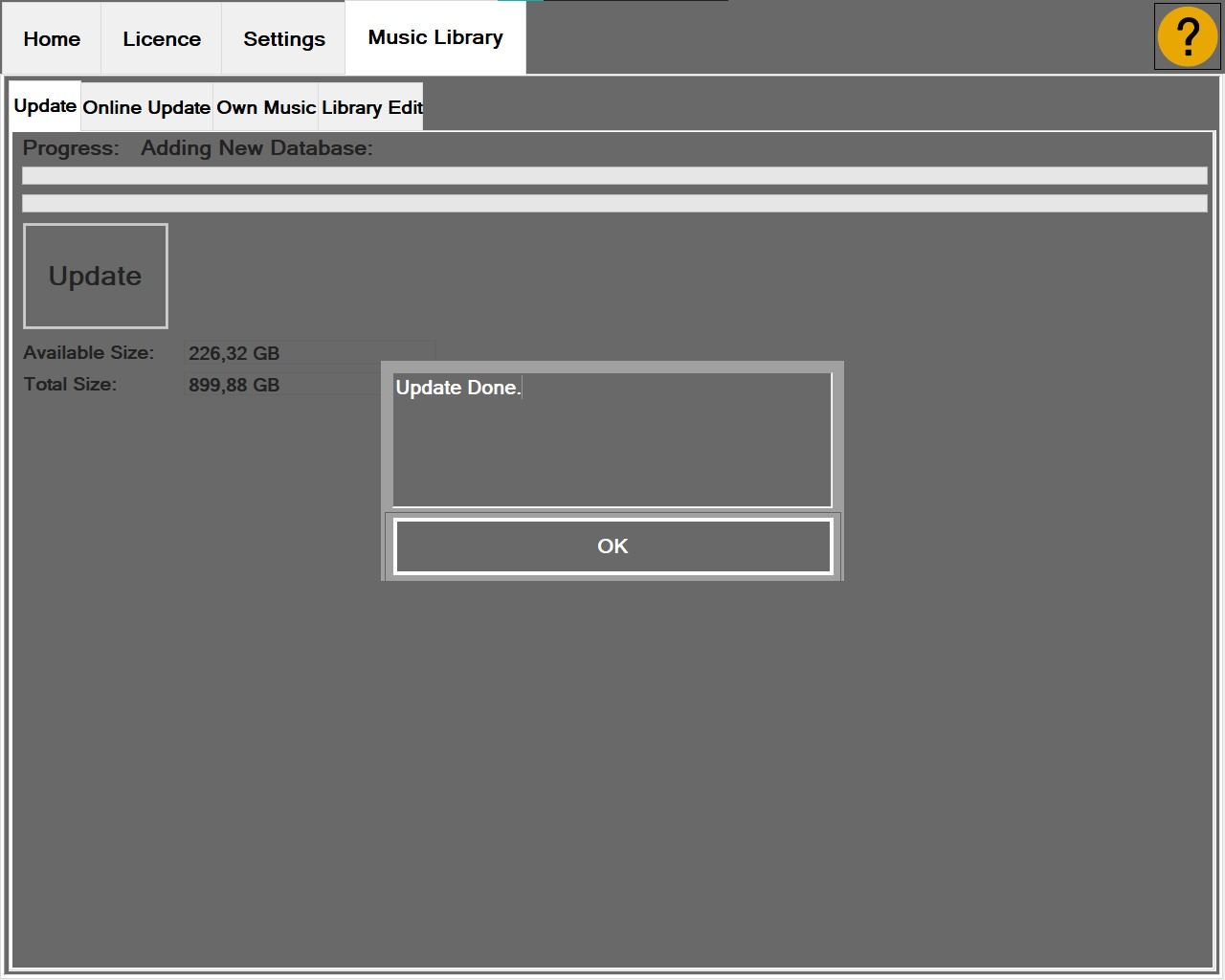
No need to run the jukebox online. Data transfer by means of a loader or USB memory stick. Online services are supported if you would like to monitor a Jukebox remotely from your office.
You can easily switch functions on and off in the backoffice.
Choose between different layout styles and features like displaying a permanent queue or playing a video on the main screen which is handy for testing a new site before installing a second screen for videos and adds.
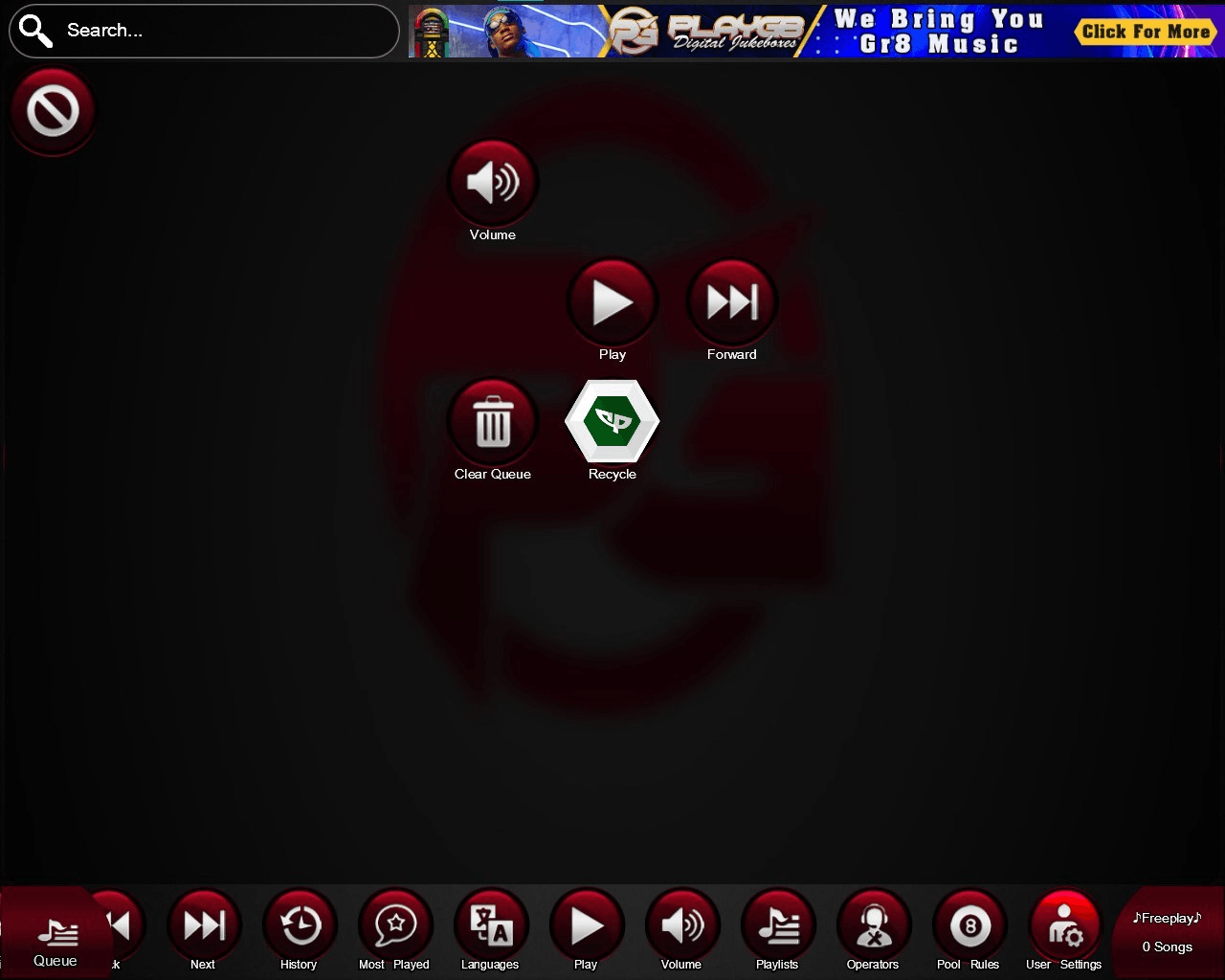
"Play Next" feature in the Play Options page for users wanting to move their selected track up in the queue providing extra income for the Operator.
Navigate the Jukebox using a touch screen, trackball mouse, touchpad, buttons or any combination of these.
Using skins, you can customize the look of your jukebox. You can even change the font styles, sizes and colours within the skin. Free pre-made skins are included with the software package or you can easily create your own using the easy to use skin editor. *Terms and conditions apply and are subject to a prior one day training course from Coinplay.
Coinplay will play almost any format audio or video.
(*.mp3;*.avi;*.wmv;*.wma;*.wav;*.aac;*.m4a;*.m4p;*.flac;*.mpg;*.mpeg;*.mkv;*.flv;*.mp4;*.asx;*.wpl)
If you have a graphics card which has dual monitor support, Coinplay will allow you to have the interface shown on one monitor and your videos/visualizations/adds on another.
Coinplay supports audio visualizations for use with audio songs.
With the "Request Track" function, the users let’s you know what music they are looking for.
Using the Jukebox
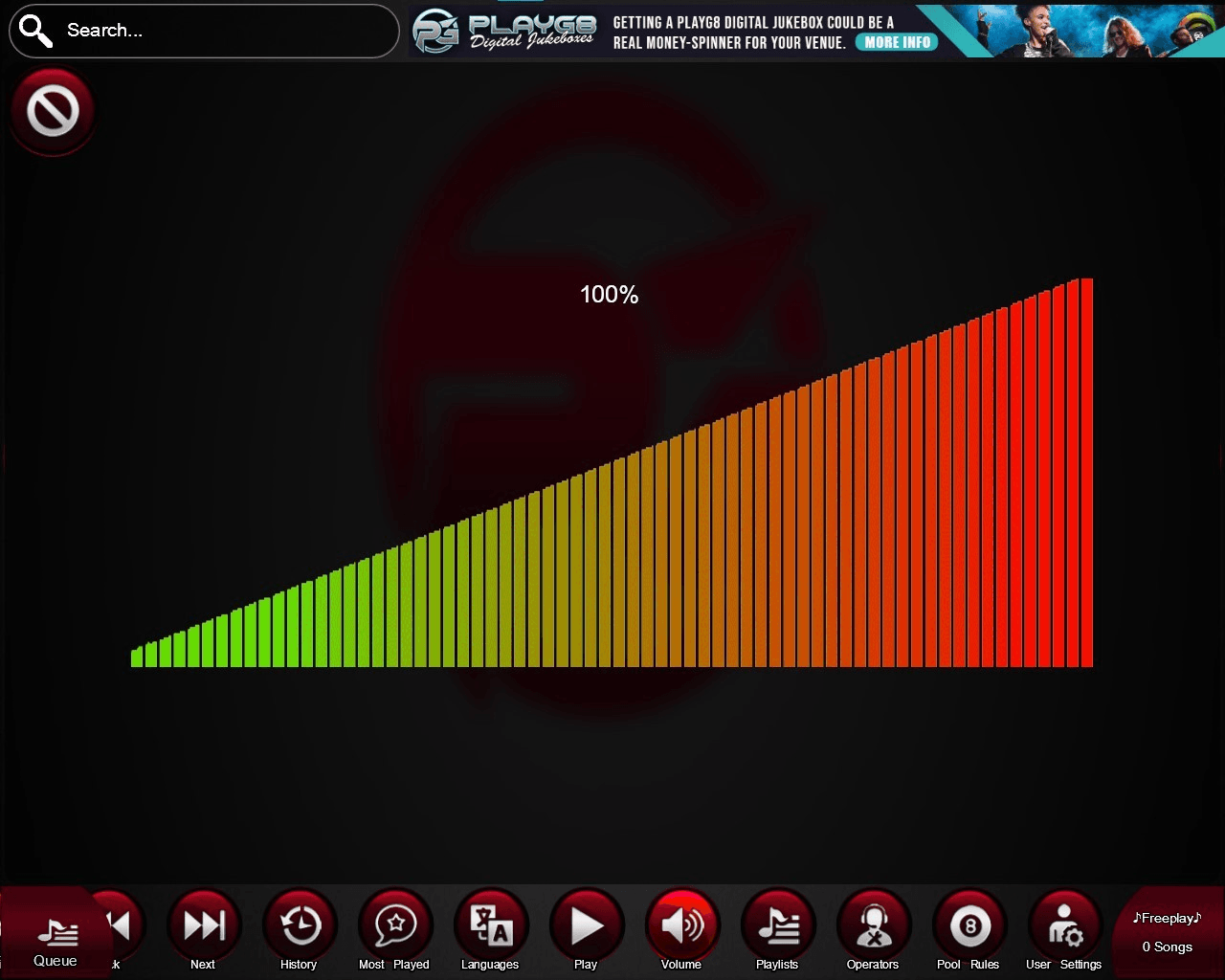
All audio and videos tracks are equalized. This means all the songs volume are at the same level. It's not difficult to gain audio tracks to the same volume but it's not that easy to achieve with videos. We have developed software to do this.
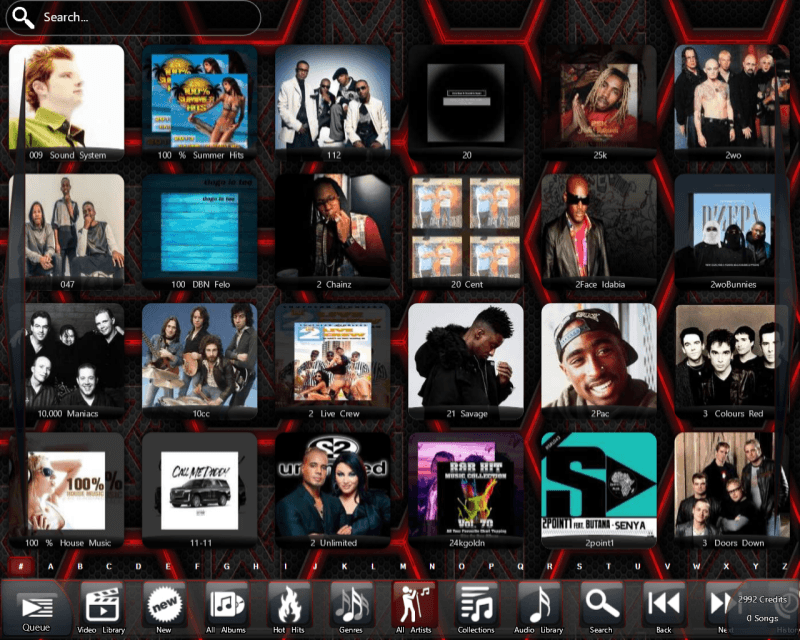
Easy and quick album navigation using jump to letter and filter options.
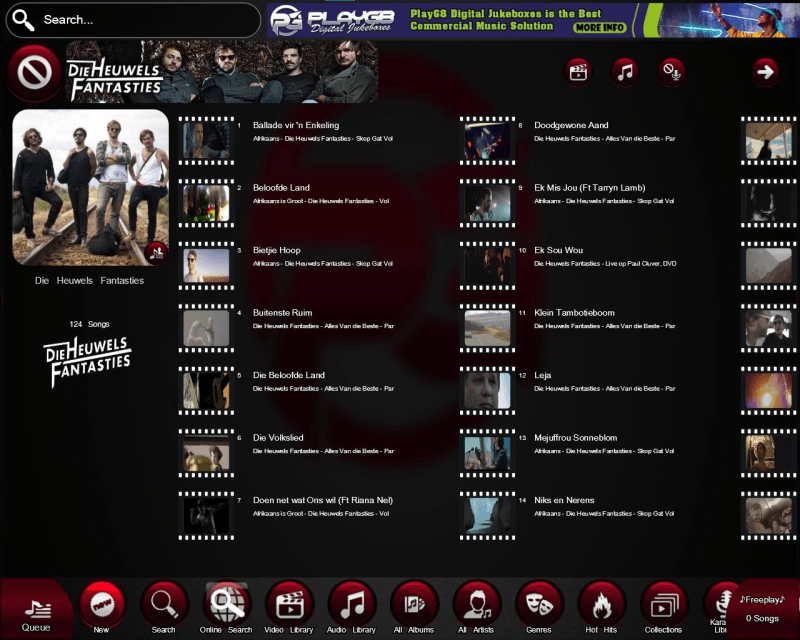
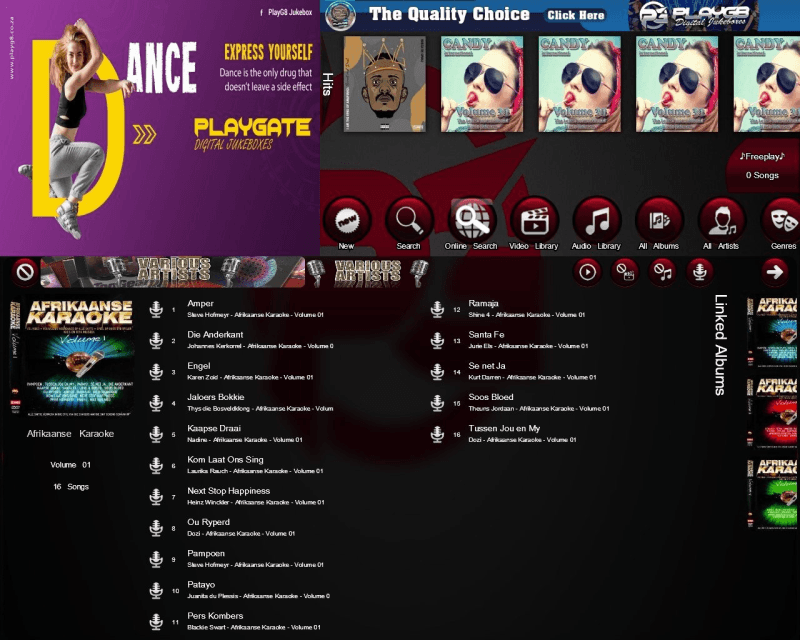
Separate music libraries for Audio, Video and Karaoke. The Play Options page will also show you if there is a video available for a audio song.
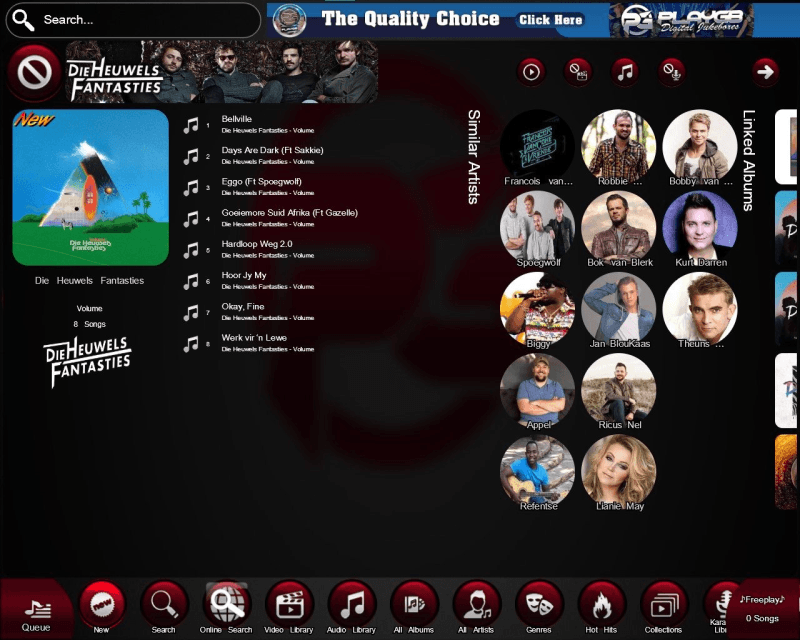
Quickjump albums in the Tracklisting page to see all the albums of that artist.
"Alternate Tracks" function to show the same song title by other artists.
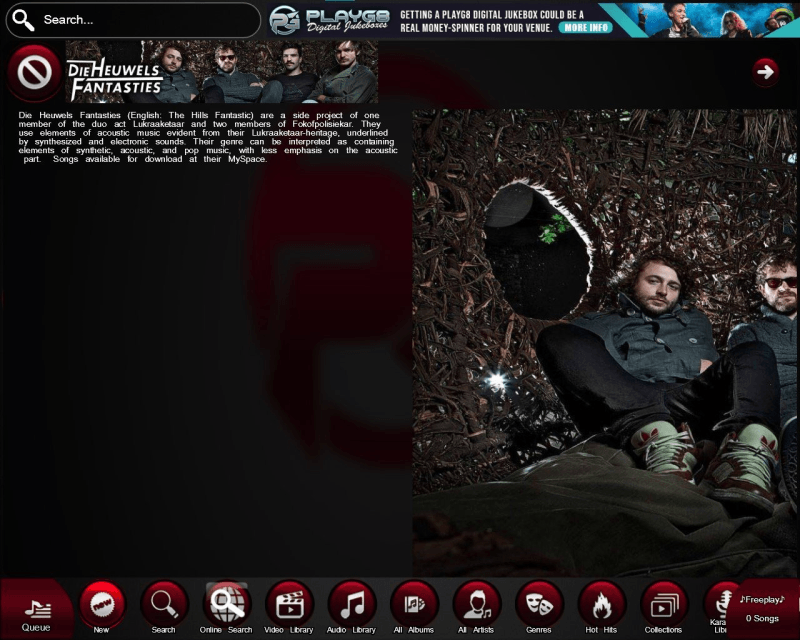
Use fan art which is pictures of the artists shown in the background.
Users can view the back cover of albums.
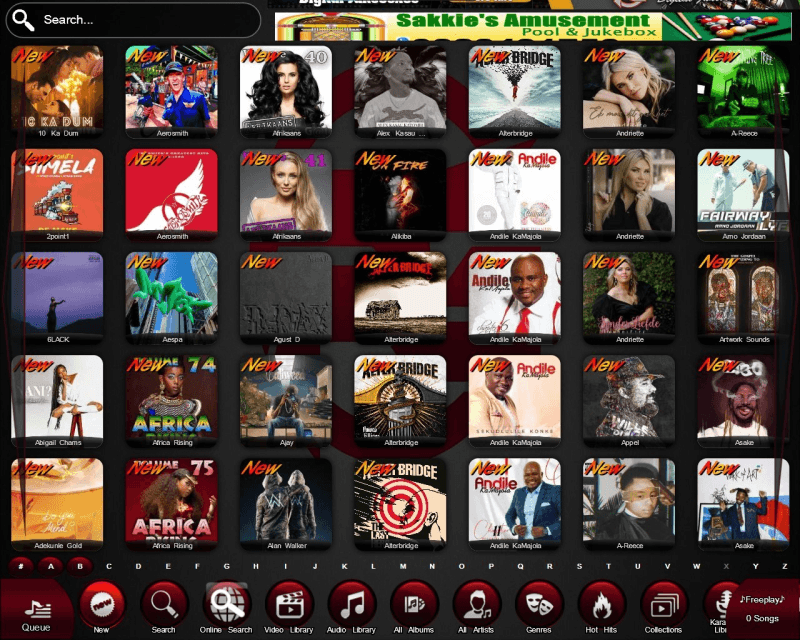
"Newly added" button puts all the latest albums added at your fingertips.
You can filter albums by Artist, Genre or year.
Users can access all the latest music charts from the Jukebox.
A "Playlist" features lets you easily build a list of your favourite songs. This is handy for functions.
Comprehensive search function where you can search by Track, Album or Year. This also includes an intelligent prediction function where by the jukebox can predict your search item.
Easily navigate through album collections. The Coinplay Jukebox uses album covers and artist/album title labels.
Coinplay has a hot hits page where all the most played songs are displayed with the amount of times a song was played.
Display "New" label on newly added albums.
Click on image
to enlarge
Click on image
to enlarge
Click on image
to enlarge
Click on image
to enlarge
Click on image
to enlarge
Click on image
to enlarge
Click on image
to enlarge